


CASH ON DELIVERY AVAILABLE
Pay only when you receive your parcel

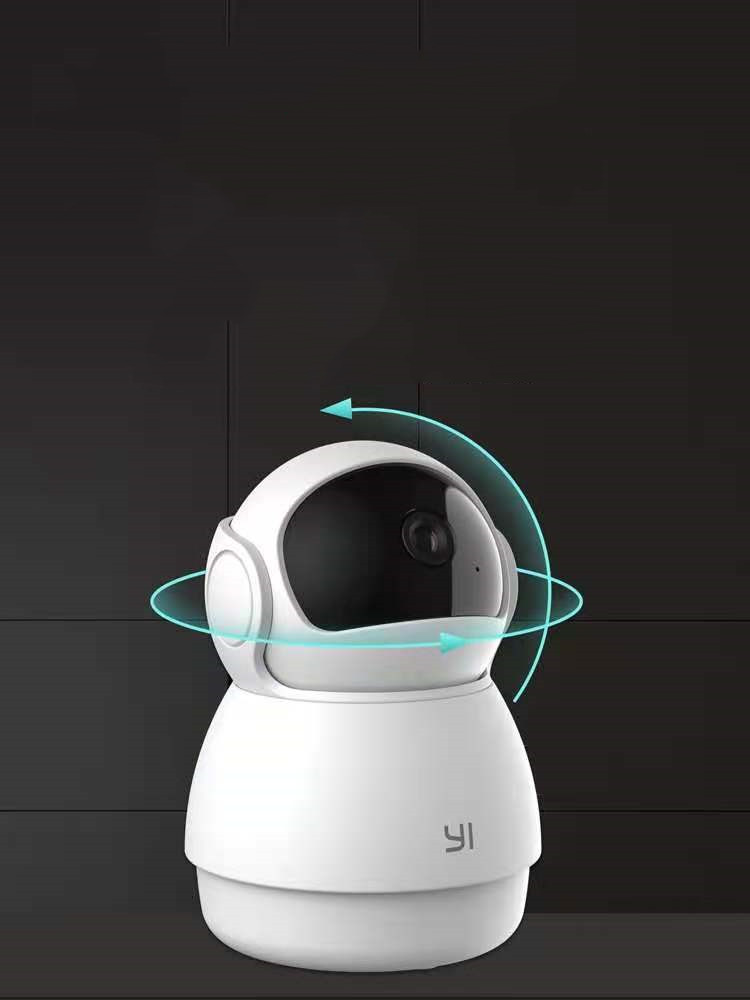
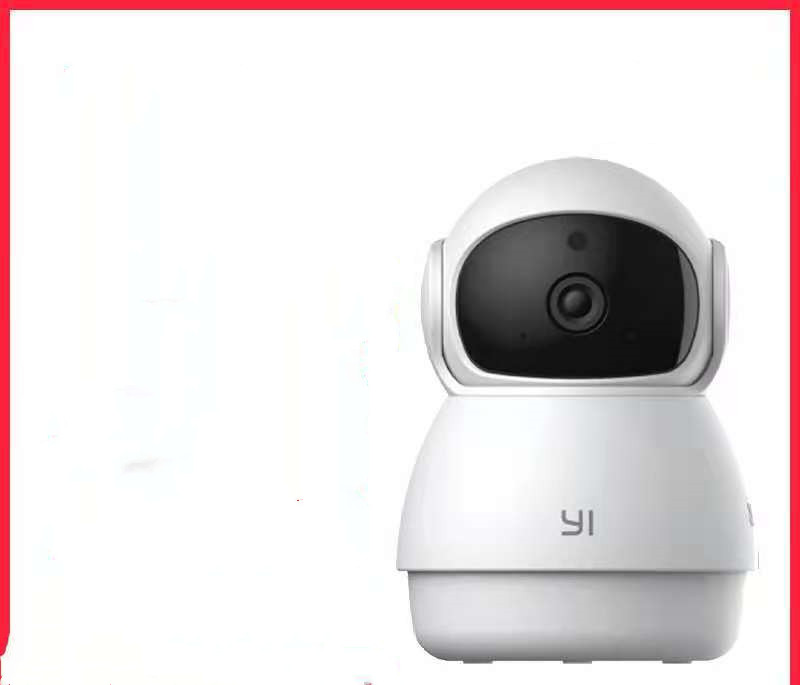
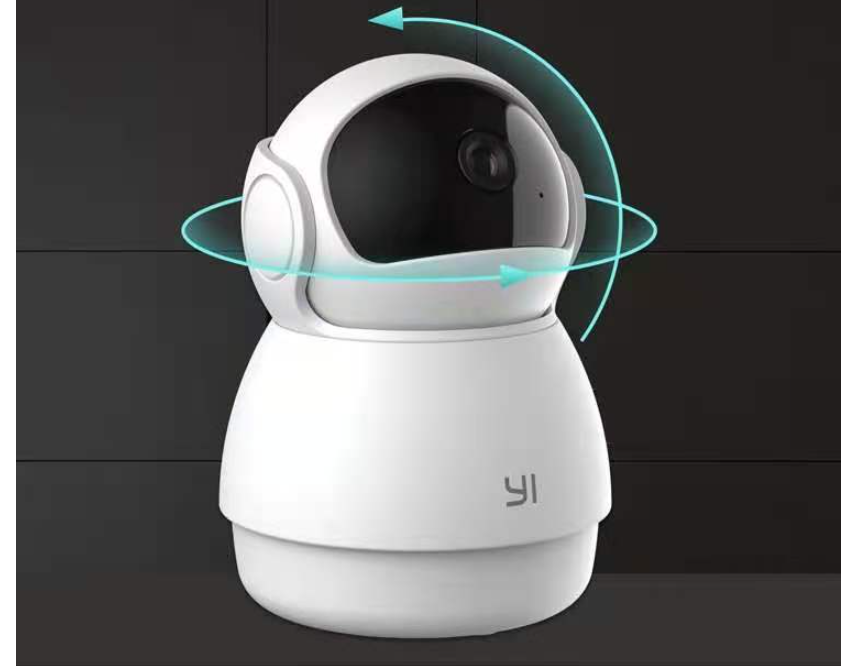
Home HD Monitoring Wireless Wifi Mobile Phone Remote

💥 SALE • UP TO 40% OFF ✨
Pay only when you receive your parcel
Easy Replacement
100% Inspected
Limited offer
Product material:
Material: ABS
Details:
Horizontal resolution :1080P
Function: panoramic monitoring, intelligent tracking, infrared night vision
Setting up your camera with the YI Home app
1. Install the YI home app and create a YI home account
2. Turn on your camera and click the icon on the top right corner of YI HOME app to add your camera
3. Select your Wi-Fi network and enter your Wi-Fi password, then select Connect to Wi-Fi
4.Scan the QR Code displayed on the app and then select next after the QR Code has scanned
5. Select save, then select start using to complete the pairing.
6. If the connection fails, press the reset button and try again.
Wi-Fi settings
1. YI home cameras will need to connect to a 2.4GHz band network. 5GHz WiFi band is not supported
2. Activate the location service on the phone if you encounter an unknown SSID problem
3. Encryption mode must be set to WPA / WPA2 (mixed mode) or WPA2
4. Your Wi-Fi password must be 8 to 20 characters long
Packing list
Camera X1
Discover the difference
See the thoughtful details and premium feel behind every piece.
Customer experiences
“Exceptional quality and service. The attention to detail is remarkable. This is exactly what I expect from a luxury brand. Highly recommend to anyone looking for premium products.”
“Outstanding experience from start to finish. The product exceeded my expectations in every way. Fast delivery and beautiful packaging. Will definitely purchase again.”
“Absolutely love this! The craftsmanship is impeccable and the customer service team was incredibly helpful. This is my third purchase and it won't be my last.”
Here’s some of our most similar products people are buying. Click to discover trending style.
Explore your recently viewed items, blending quality and style for a refined living experience.